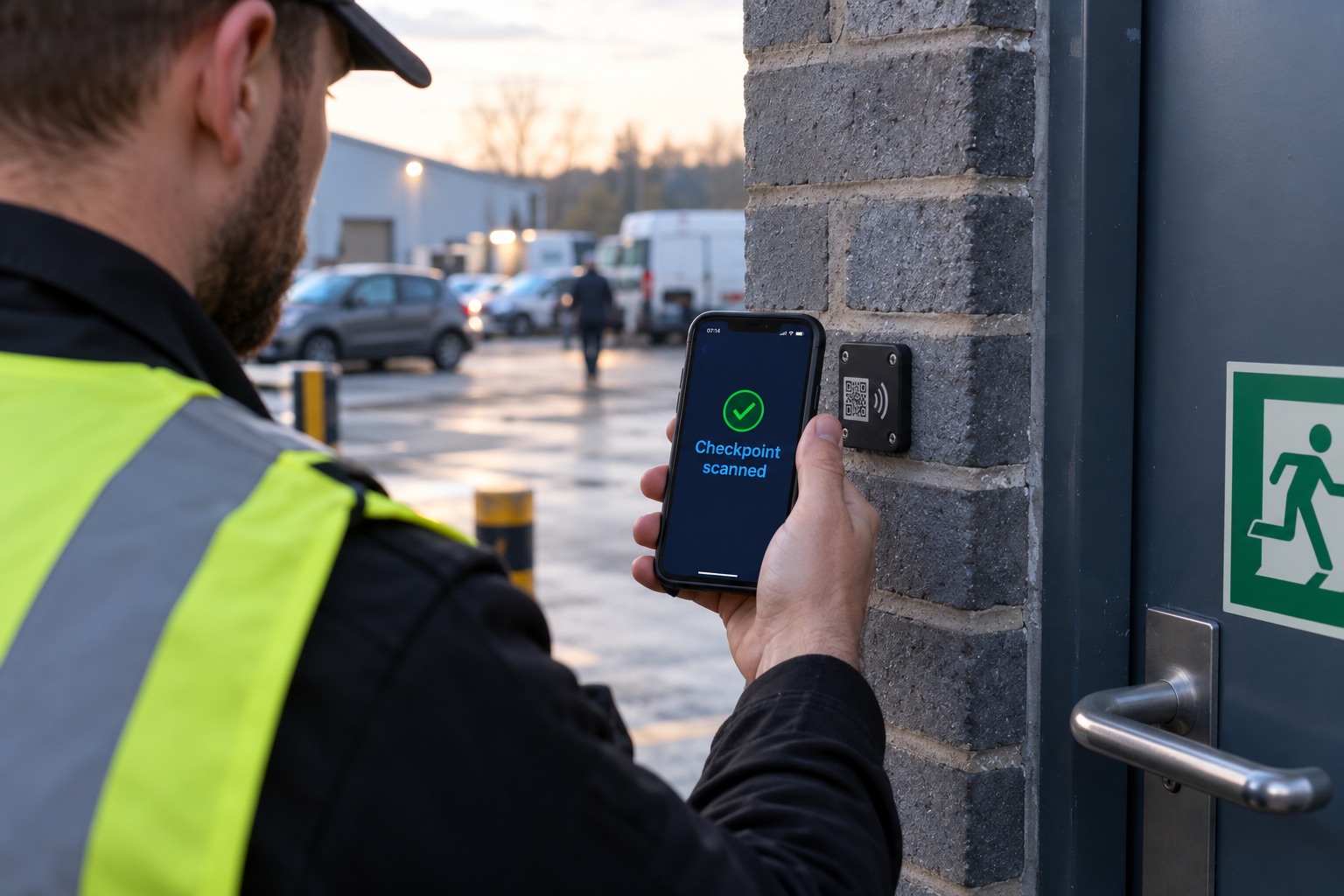
An expired SIA licence can cost you a client contract, trigger an ACS suspension, or expose you to a civil claim. Here is how to stay on top of it without spreadsheets.
Every security guard working in the UK needs a valid SIA licence. That is not news to anyone running a security company. What is surprising is how many businesses, including some with dozens of staff, are still tracking licence expiry dates on a shared spreadsheet, a notebook, or not at all.
This article covers why that matters, what the consequences of getting it wrong actually look like, and how to put a system in place that removes the risk entirely.
Why SIA Licence Expiry Is Riskier Than It Looks
An SIA licence lasts for three years. When it expires, the guard is no longer legally permitted to carry out licensable security work. If they do, both the guard and the employer can face consequences.
For the guard, working without a valid licence is a criminal offence under the Private Security Industry Act 2001. For the employer, the picture is more complicated, but arguably more damaging.
The Security Industry Authority can take action against businesses that knowingly or recklessly deploy unlicensed staff. If your company holds an ACS (Approved Contractor Scheme) accreditation, deploying an unlicensed guard is a serious breach of your scheme obligations. ACS suspensions have ended contracts and damaged reputations that took years to build.
Beyond the regulator, there is the client side. Most corporate and public sector security contracts include a clause requiring all deployed staff to hold a valid licence at all times. If a client discovers an unlicensed guard on their site, through their own checks or an incident. They are entitled to terminate the contract and may pursue a claim for breach of contract.
None of this is hypothetical. It happens regularly, and almost always to companies that had the information they needed. They just were not monitoring it properly.
Where Spreadsheets Break Down
A spreadsheet feels like a reasonable solution when your team is small. You list your staff, note their licence numbers and expiry dates, and check it periodically. The problem is that this only works if someone is actively responsible for it, checking it frequently, and acting on what they find.
In practice, a few things go wrong.
Licence data gets out of date. Guards renew their licences without telling management. New hires are added without their licence details being entered. Someone leaves and their row stays in the spreadsheet for months.
Reminders do not happen automatically. The spreadsheet does not email you when a guard has 60 days left on their licence. You have to check it yourself, remember to check it, and do something with what you find.
When you are managing shifts, responding to cover requests, and dealing with the daily demands of running a security operation, the spreadsheet review slips. A licence expires. A guard continues to work. Nobody notices until a client raises it or, worse, something goes wrong on site.
The risk scales with team size. A company with 20 staff can probably stay on top of a spreadsheet with some discipline. At 50, 80, or 150 staff across multiple sites, it becomes genuinely unmanageable.
What Automated Licence Tracking Actually Looks Like
A proper licence tracking system does a few specific things that a spreadsheet cannot.
It monitors expiry dates continuously. Rather than relying on someone to check a file, the system automatically scans upcoming expiry dates every day. When a guard's licence is approaching expiry, typically at 90 days, 60 days, and 30 days. The system sends alerts to whoever needs to act on them.
It prevents deployment of unlicensed staff. In ProRota, a guard whose licence has expired or is not on record cannot be scheduled for shifts. The scheduling system checks licence status before allowing an assignment to go through. This is a hard stop, not a warning you can click through, which matters when you are building a rota at 10pm and not in the best state to be making compliance decisions.
It gives you a live compliance dashboard. Rather than opening a spreadsheet and hoping it is up to date, you can see at any moment which staff are compliant, which have licences expiring in the next 90 days, and which have an issue that needs resolving today.
It stores the evidence. When an ACS assessor or a client asks you to demonstrate that your staff were licensed at the time of deployment, you need records. A system that logs licence details, renewal dates, and deployment history gives you an audit trail that a spreadsheet cannot.
What Happens When a Guard Renews Their Licence
This is the part of the process that often gets overlooked. A guard renews their licence three weeks before expiry. They have the new card in their hand. Does your system know?
In a spreadsheet-based process, the answer is often no, until someone thinks to ask. In the meantime, the old expiry date is still showing, and your records say the guard is within 30 days of expiry or already expired.
With a digital system, the guard or an administrator can update the licence details and upload a photo of the new card. The record updates immediately. The alert clears. The guard remains deployable.
It sounds like a small thing but it removes a constant source of unnecessary admin friction, and means you are never in the position of telling a guard they cannot work because your records are behind.
The ACS Angle
If your company holds or is working towards ACS accreditation, licence compliance is not optional. The ACS standard requires that you have documented processes for verifying and monitoring staff credentials, and that you can demonstrate those processes are working.
Assessors check this. They will ask to see your licence records, your monitoring process, and evidence that alerts are acted upon. A spreadsheet is not necessarily a problem if it is well-maintained, but in practice, assessors can tell the difference between a system that is genuinely being used and one that has been updated hastily before the visit.
An automated tracking system with a clear audit trail, timestamped records, and a log of actions taken against alerts is significantly easier to present as evidence of an effective process.
Making It Part of Onboarding
One of the easiest wins is embedding licence capture into your onboarding process. Rather than collecting licence details separately and hoping someone enters them into your tracking system, new staff submit their SIA licence number and a photo of the card as part of completing their onboarding profile.
From that point, the system monitors the licence automatically. You do not need to remember to add it. You do not need to chase people for their licence number on their first day. It is part of the workflow.
This also means that when you are building a shift and the system checks licence validity, you are checking against a complete and current record, not a list that may or may not include your newest staff.
A Simple Process to Follow Now
If you are not yet using an automated system, here is a minimum viable process to reduce your risk immediately.
Export your full staff list and add a licence expiry date column if you do not have one. Verify each date against the SIA licence checker at licensing.sia.homeoffice.gov.uk, do not rely on what staff told you at onboarding. Set a recurring calendar reminder for the first of every month to check for anyone expiring in the next 60 days. Assign one named person as responsible for acting on that check, not just doing it.
This will not give you the same protection as an automated system, but it is significantly better than no process at all.
The Bottom Line
SIA licence expiry is one of the few compliance risks in the security industry where the consequences are immediate and specific. A guard works an unlicensed shift, a client finds out, a contract ends. The information to prevent it is always available, licence expiry dates are known years in advance. The only question is whether your process is reliable enough to act on it.
If you are managing more than 20 staff, a manual process carries meaningful risk. Automated tracking removes that risk without adding overhead. It reduces it.
ProRota's compliance module tracks SIA licences, Right to Work documents, visa expiry dates, and other credentials automatically, with alerts and deployment blocks built in. If you would like to see how it works for your team, get in touch via the contact page or book a demo.